📺
Smart TV (Samsung, LG, Sony)
Install a compatible IPTV app directly on your TV and log in with your details — no extra hardware needed on a modern set.
IPTV on Smart TV →IPTV Nordic works on the devices you already own — Smart TV, streaming sticks, boxes, phones, tablets and computers — in up to 4K, with no extra hardware on a modern TV.
This page is an overview of every supported device and how each one works. For a full walkthrough of any device, follow the linked setup guide.
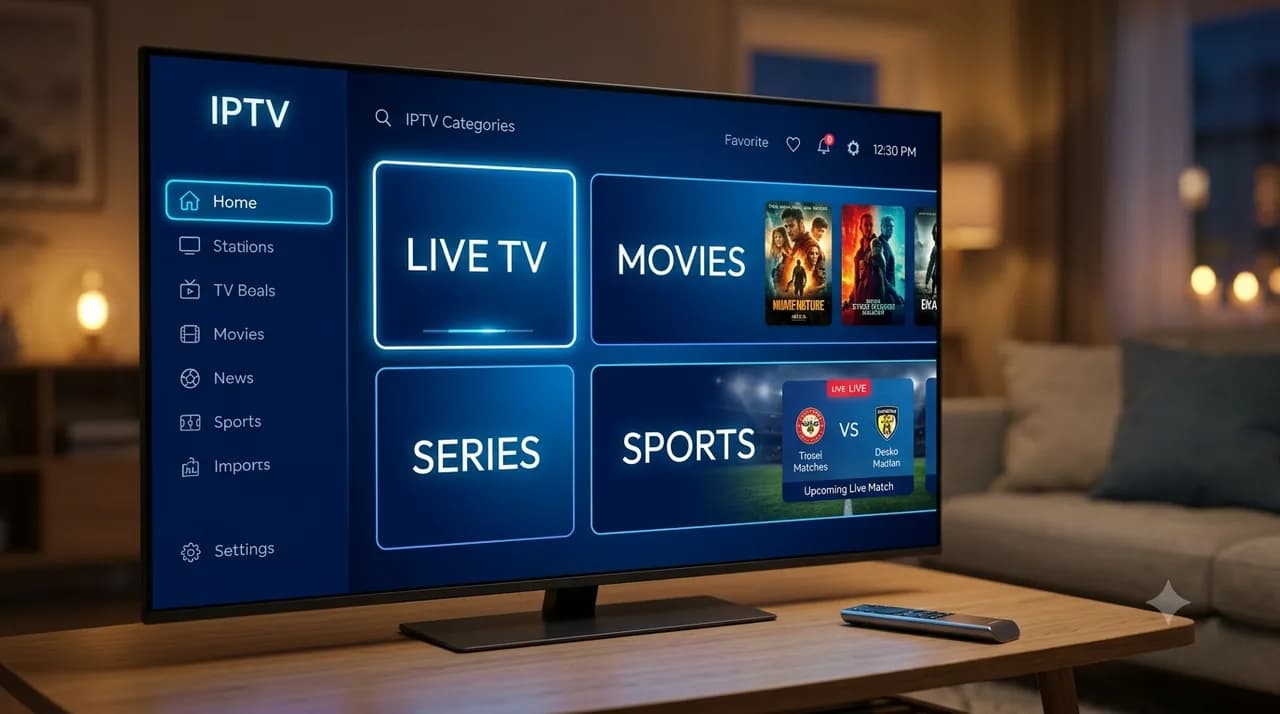
Install a compatible IPTV app directly on your TV and log in with your details — no extra hardware needed on a modern set.
IPTV on Smart TV →Plug in the stick, install a compatible player app and sign in. Ideal for turning any older TV into a smart one in minutes.
Firestick guide →Runs smoothly on Android boxes with a player app of your choice; just install, log in and start watching.
Android Box guide →Use a compatible app from the App Store and sign in with your access details for a clean living-room setup.
Apple TV guide →Watch on the go with a compatible iOS player app — handy when travelling or moving between rooms.
IPTV Smarters Pro →Install a player app and stream anywhere on your Android device, on Wi-Fi or mobile data.
Smart IPTV guide →Use a desktop player or your browser to watch on your computer, useful for a second screen at the desk.
Windows guide →Enter your device's MAC address when ordering and we configure access for you — no manual app setup required.
IPTV box guide →Provide the MAC address at order time for a ready-to-use setup straight out of the box.
IPTV box guide →A powerful Android TV device — install a player app and sign in for smooth playback up to 4K.
Android Box guide →Prefer your own app? Choose Xtream Codes / M3U at checkout to receive the connection details and load them yourself.
Xtream Codes guide →Whatever device you choose, the process is the same in spirit: install a compatible player app, then log in with the access details you receive after ordering. For MAG and Formuler boxes you provide the device's MAC address instead, and we configure it for you. Activation is usually within 5 minutes.
New to it all? Start with what IPTV is, or set up the most popular player with the IPTV Smarters Pro guide.
Smart TV, Amazon Firestick, Android TV boxes, Apple TV, iPhone and iPad, Android phones and tablets, Windows and Mac, MAG and Formuler boxes, Nvidia Shield, and any player via Xtream Codes or M3U.
Not if your TV is modern — you just install an app. For an older TV, a small streaming stick or box makes it smart in minutes.
Install a compatible player app and log in with your access details. For MAG and Formuler boxes you provide the MAC address at order time and we configure it. Activation is usually within 5 minutes.
Yes — the number of devices that can stream at once depends on your plan, from Solo (1) up to Family (4). See the pricing page for details.
Most modern devices that can run a player app will work. If you're unsure, contact support before ordering and we'll confirm compatibility.