Test IPTV quality: 6 things to check
To test IPTV quality, check six things on your own devices: picture quality in 4K, stability in the evening, how fast channels switch, the EPG, the library and support. With a 14-day refund right you do it risk-free with IPTV Nordic.
What should I check first?
Picture quality and stability at peak times.
When do problems show?
Usually in the evening when the network is busy.
Can I test safely?
Yes, with a 14-day refund right.
Does support matter?
Yes — test response time with a question.
Before you settle on an IPTV service, spend a little time testing it properly. It only takes a few evenings, and it tells you far more than any star rating. Here are six things to check.
6 things to check
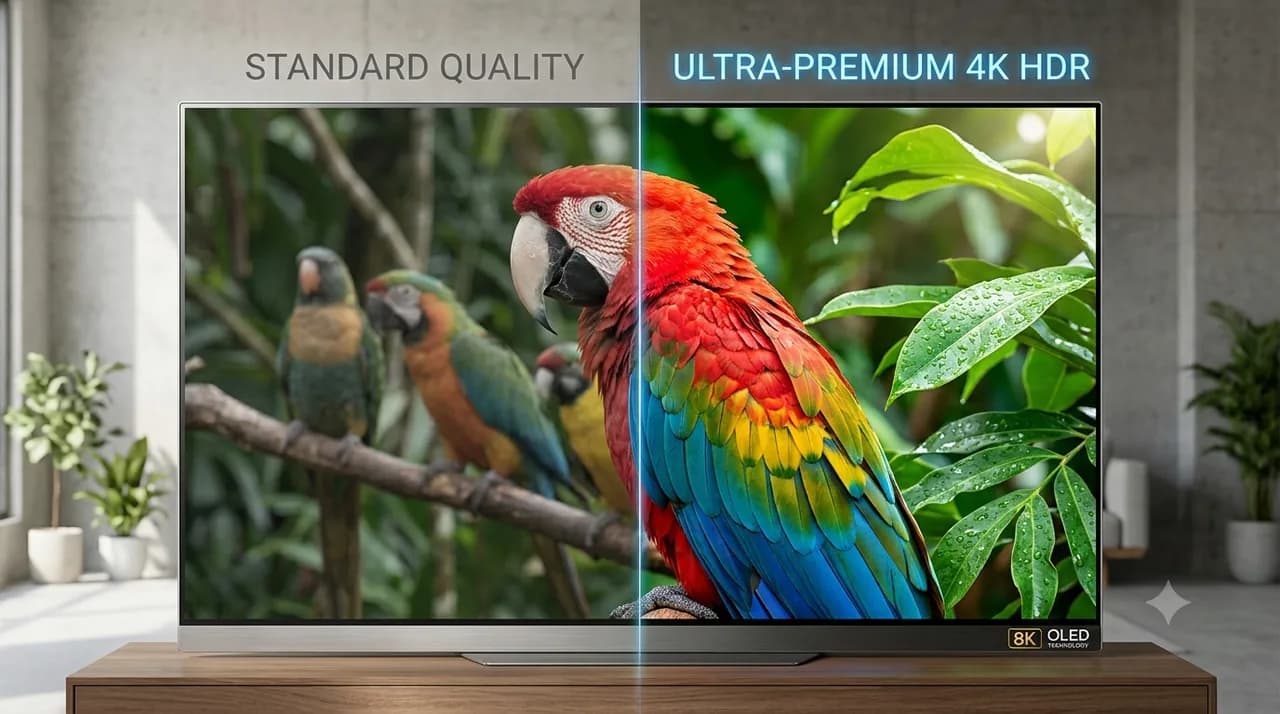
- Picture quality — does 4K look sharp and smooth?
- Stability — is it steady at busy evening hours?
- Channel switching — do channels load quickly?
- EPG — does the guide show and stay accurate?
- Library — do the categories cover what you watch?
- Support — ask a question and time the reply.
Test when it matters
Evenings are the real test, when networks are busiest. If a service stays smooth then, it usually will the rest of the time. For a structured approach, read how to test IPTV before you buy.
Rule out your own setup first
Uneven quality is often the local network, not the service. Try a wired connection and confirm 15–25 Mbps for 4K before drawing conclusions.
What "good quality" actually looks like
It helps to know what you are looking for. Good 4K looks sharp and clean, with no blocky patches during fast motion, natural colour and audio that stays in sync with the picture. Channels should switch in a second or two rather than hanging, and the stream should hold steady without the picture softening every few minutes. Once you have seen what good looks like, weak services are easy to spot.
Keep a quick test log
Memory is unreliable over a two-week trial, so jot down what you notice as you go. A single line is enough: the date, the time, and whether anything stuttered or looked off. After a few evenings the pattern is obvious — steady throughout, or trouble at peak times — and you are judging on real notes rather than a vague impression.
Judge with confidence
A 14-day right of withdrawal lets you test for real. For the criteria behind a good score, see IPTV best in test. Ready? Compare plans and order IPTV Nordic.
Frequently asked questions
How do I test IPTV quality?+
Try it on your own devices and check picture quality in 4K, stability in the evening, channel-switch speed, the EPG, the library and how fast support replies.
When is the best time to test?+
In the evening, when many people use the network. If the service holds up then, it usually holds up the rest of the time.
How do I test risk-free?+
Choose a service with a refund right. IPTV Nordic gives a 14-day right of withdrawal so you can form your own view.
What if quality is uneven?+
Try a cable instead of wifi and check the speed (15–25 Mbps for 4K) before judging the service.
What does good quality look like?+
Sharp, clean 4K with no blocky patches, natural colour, audio in sync and fast channel switching. The stream should hold steady without softening.