IPTV EPG: get more from the program guide
The EPG (electronic program guide) is your digital TV schedule in the IPTV app. With a few simple habits — favouriting channels, using search and letting the list finish loading — you find things faster and plan better. EPG is included with IPTV Nordic.
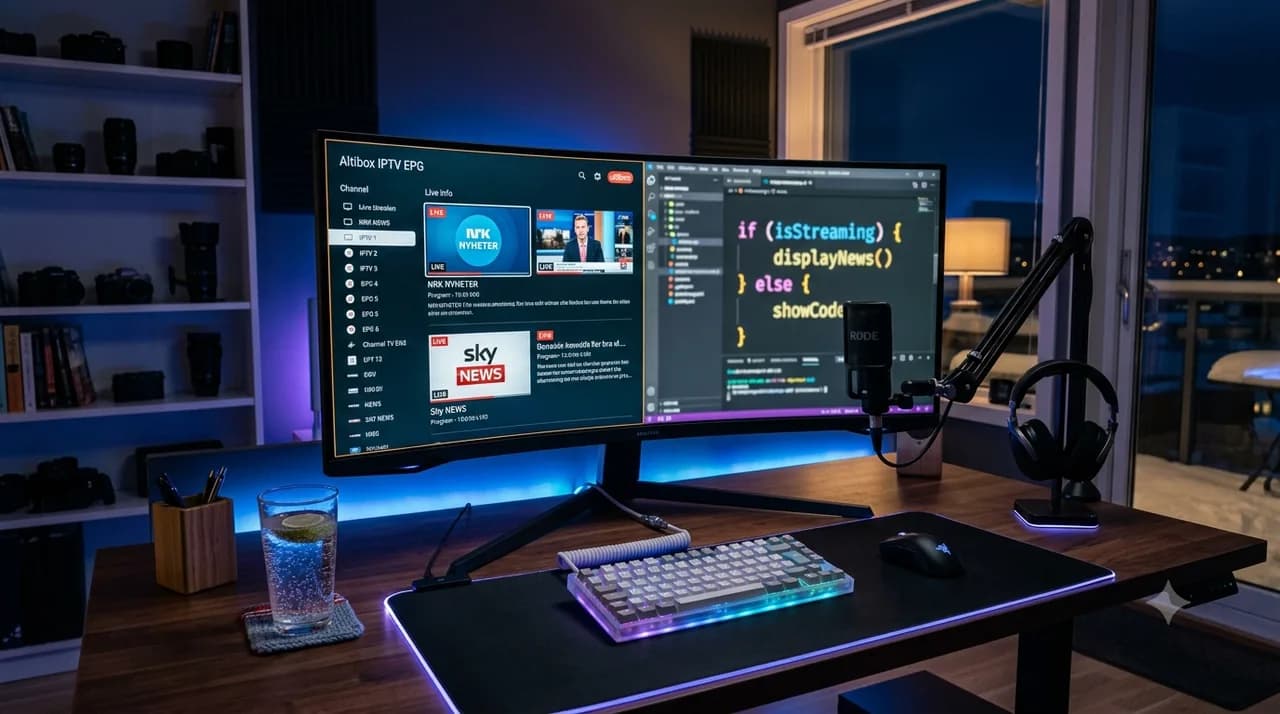
What is an EPG?
The digital program guide showing what's on and when.
Is the EPG included?
Yes, IPTV Nordic includes EPG and catch-up.
Why is no EPG showing?
Wait for the list to load, then reopen the guide.
How do I find things faster?
Favourite channels and use search.
The EPG is one of the most useful — and most overlooked — parts of IPTV. A few small habits turn it from a wall of listings into a quick way to find exactly what you want. Here's how to get more from it.
What the EPG is for
Think of the EPG as your on-screen TV guide. It shows what's airing now and later across your channels, and on IPTV Nordic it pairs with catch-up so you can rewind the past few days. For the formal definition, see our glossary.
4 habits that help
- Favourite your channels — pin the ones you watch most for a shorter guide.
- Use search — jump straight to a title instead of scrolling.
- Let the list load fully — the EPG appears once your list finishes loading.
- Plan with it — glance ahead to line up your evening.
When the EPG won't show
If the guide is blank, give the list a moment to finish loading, reopen the guide, and check your connection is stable. A restart of the app usually does the trick.
EPG and catch-up, working together
The EPG really comes alive when you pair it with catch-up. Instead of only looking forward at what is on next, you can scroll back through the guide and play something that already aired in the past few days. It turns the guide into both a planner and a time machine: glance ahead to line up your evening, or look back to catch the programme you missed last night — all from the same familiar grid.
When the listings look off
Occasionally the guide shows the wrong programme against the clock. This is almost always a time-zone or refresh issue rather than a fault: the data source may be set to a different zone, or the guide simply has not refreshed yet. Letting the list reload, reopening the guide, and making sure your device clock is correct usually lines everything back up.
Get watching
EPG and catch-up are included with every plan. Compare plans, order IPTV Nordic, or see the FAQ for more.
Frequently asked questions
What does an EPG do in IPTV?+
The EPG shows the program schedule right in the app, so you see what's on now and later and can plan your viewing.
Why won't my EPG load?+
Usually the list needs to finish loading first. Wait a moment, reopen the guide, and check your connection.
Can I use the EPG for catch-up?+
Yes, the EPG helps you find recently aired content so you can replay it via catch-up (up to 7 days).
How do I make the EPG easier to use?+
Favourite the channels you watch most and use search to jump straight to what you want.
Why does the EPG show the wrong times?+
Almost always a time-zone or refresh issue. Reload the list, reopen the guide and check your device clock is correct.